Google Docs
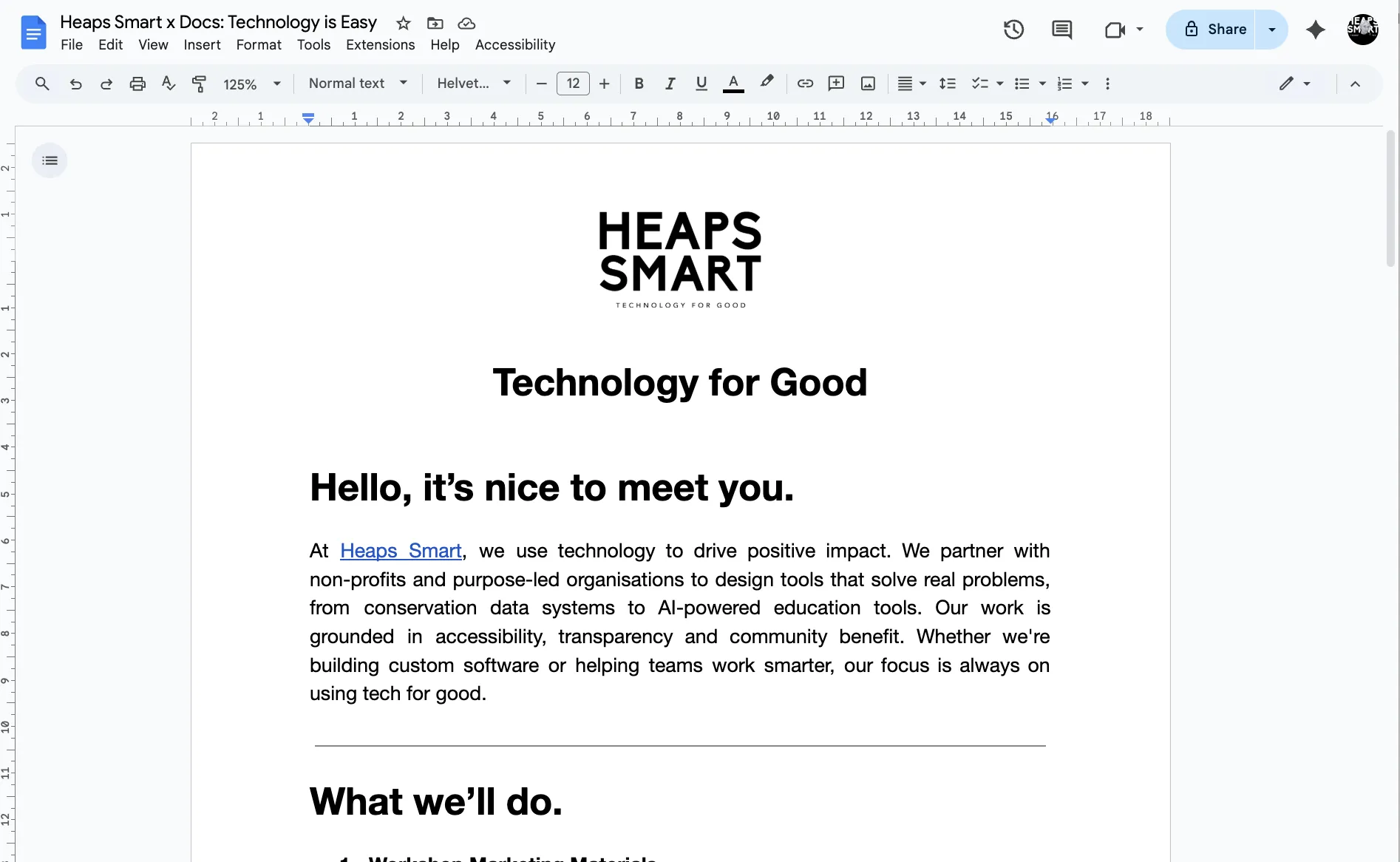
Google Docs is a free word processing tool in Google Workspace that lets teams write, edit and share documents online. Non-profits use it to collaborate on grant applications, meeting notes or reports in real time.
Non-profit discount
Non-profits can apply for Google Workspace for non-profits to receive free access to essential productivity tools, including Gmail, Google Drive, Google Meet, and more. Discounted rates are also available for Business Standard, Business Plus, and Enterprise editions.
How to apply:
- Set up a free Google account for your workspace admin
- Visit the Google for non-profits website and click 'Get Started'
- Sign in with your workspace admin's Google account and complete the eligibility form
- Wait for verification by Google's partner, which typically takes 2–14 business days
- Once approved, activate Google Workspace for non-profits from your account dashboard
Heaps Smart recommended
Google Docs is probably already part of your toolkit, but it's worth getting to know a few of the lesser-known features that make it especially useful for non-profits. It's a good tool for collaboration, especially if your team is spread out or working part-time.
You can add checklists to documents, which is helpful for shared agendas, action items, or onboarding steps. There's also a simple eSignature tool built in, which can be a quick solution for signing internal documents without needing a separate platform. If you're reviewing policies or writing grants as a group, the commenting and suggestion tools help keep everyone on the same page.
Docs isn't flashy, but it does a lot quietly in the background. It's free with Google Workspace for Nonprofits and gives your team a shared space to work together without worrying about version control or who has the latest file.