Google Drive
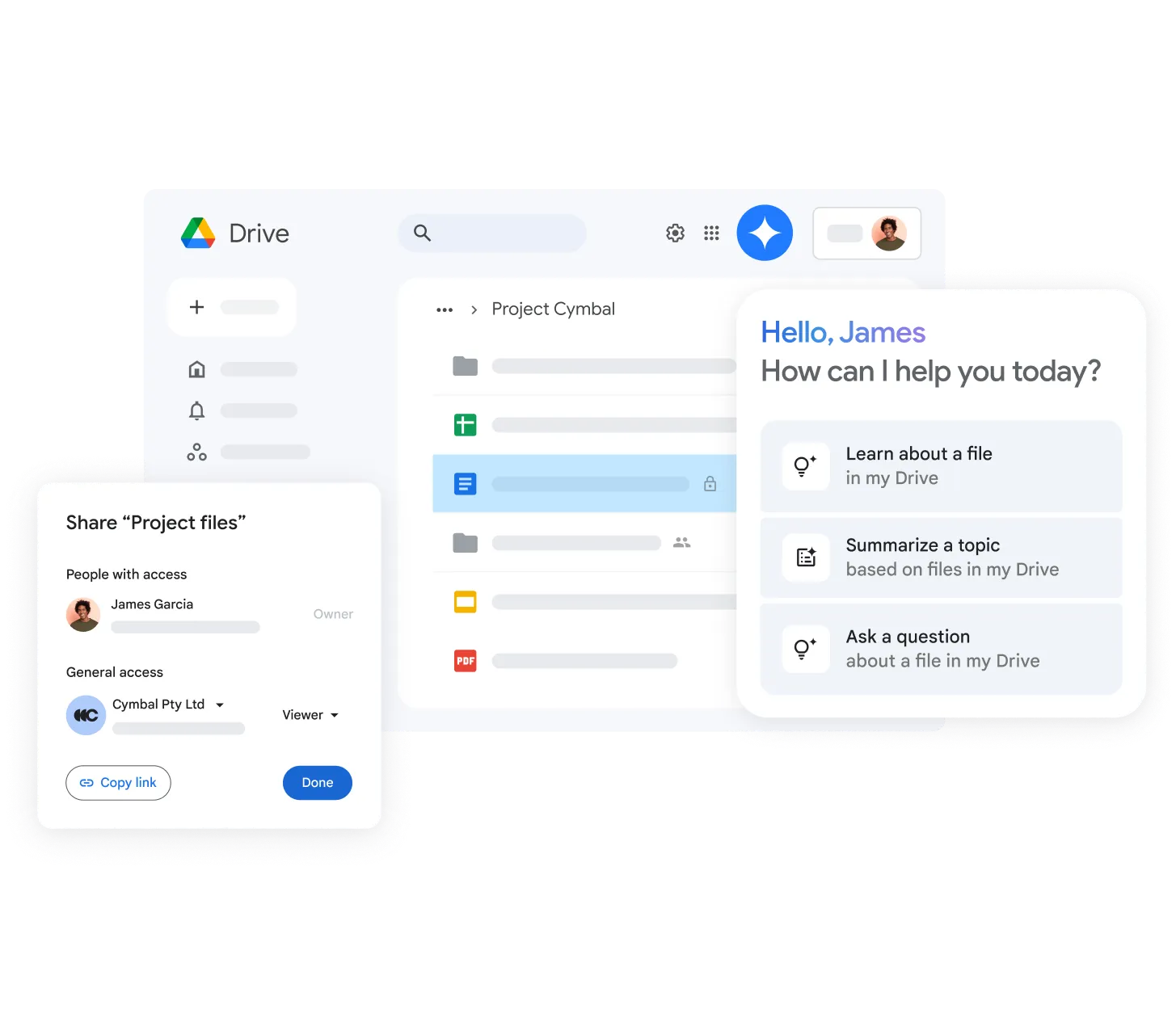
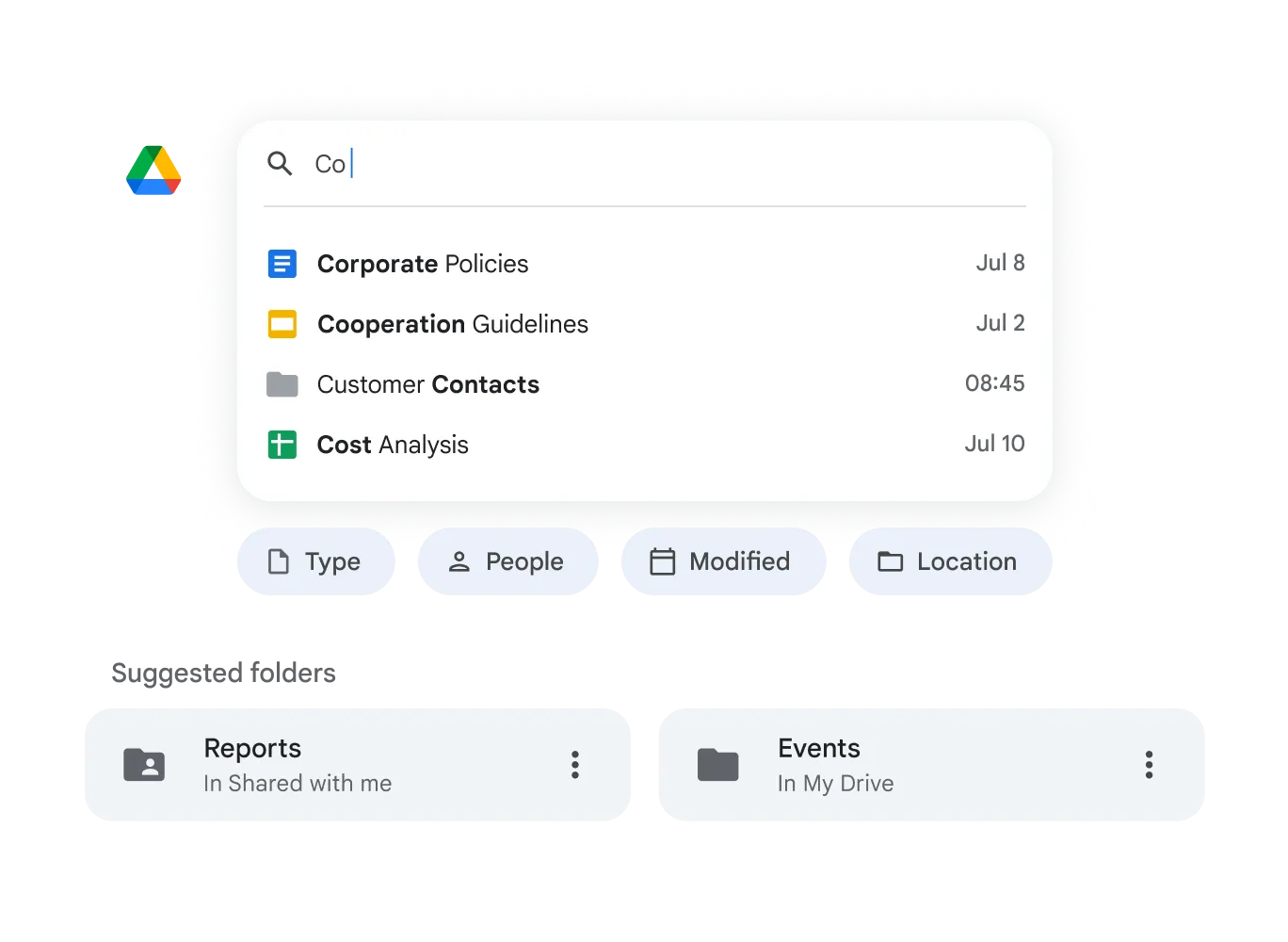
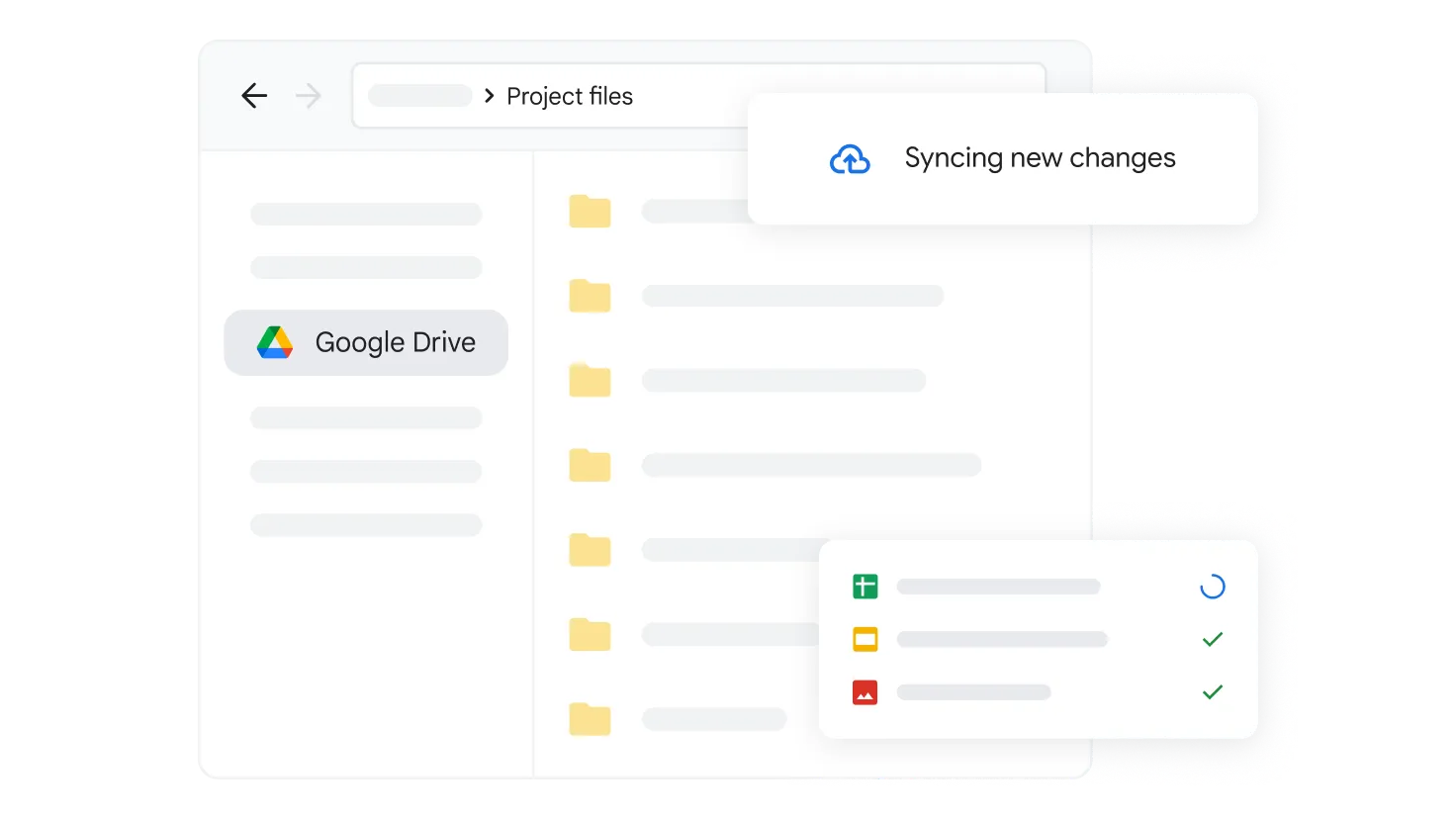
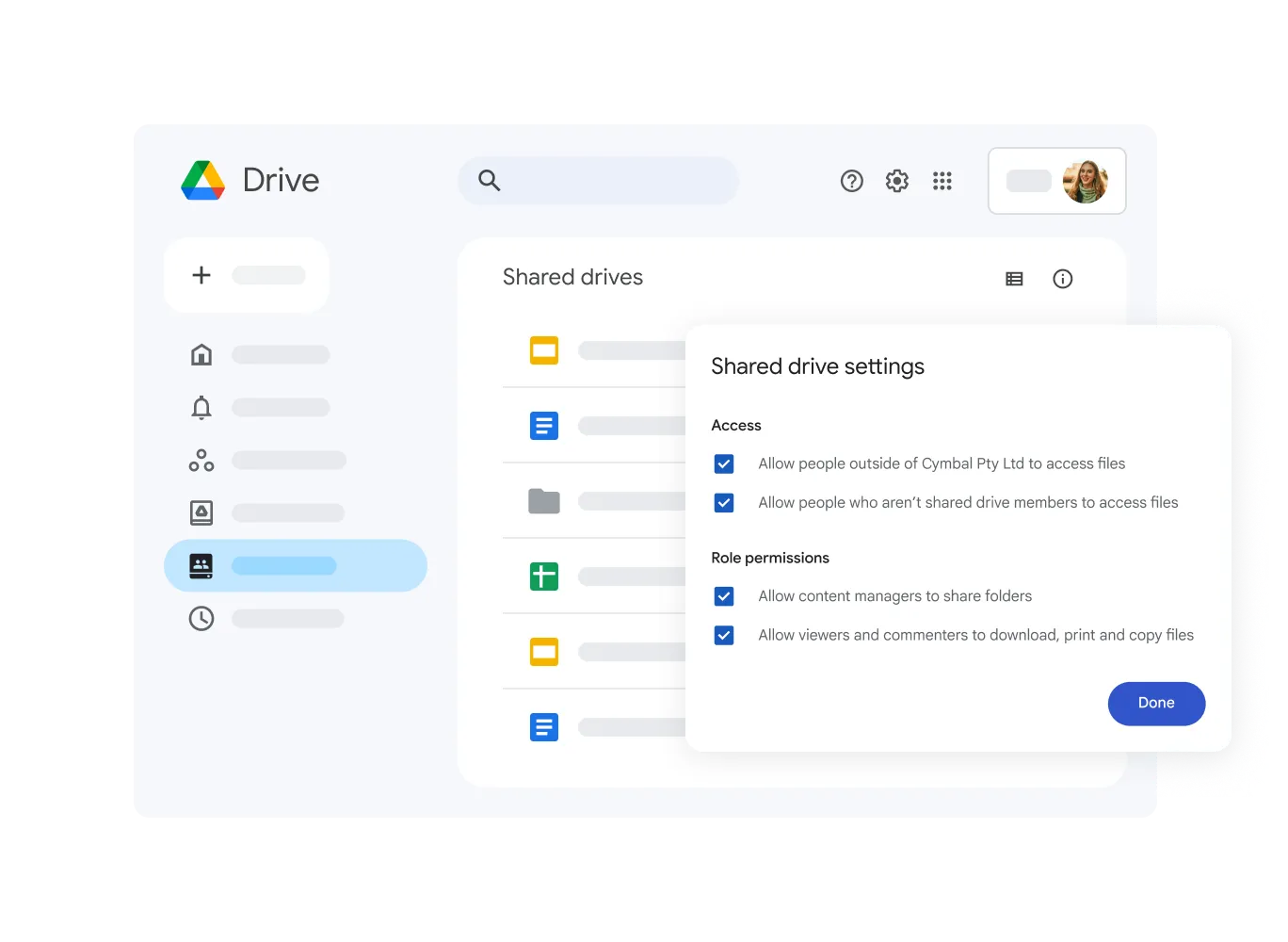
Google Drive is a cloud storage tool in Google Workspace where teams can save, share and work on files together online. Non-profits use it to keep documents, photos and project plans organised and easy to access from anywhere.
Non-profit discount
Non-profits can apply for Google Workspace for non-profits to receive free access to essential productivity tools, including Gmail, Google Drive, Google Meet, and more. Discounted rates are also available for Business Standard, Business Plus, and Enterprise editions.
How to apply:
- Set up a free Google account for your workspace admin
- Visit the Google for non-profits website and click 'Get Started'
- Sign in with your workspace admin's Google account and complete the eligibility form
- Wait for verification by Google's partner, which typically takes 2–14 business days
- Once approved, activate Google Workspace for non-profits from your account dashboard
Heaps Smart recommended
Google Drive is a must-have for non-profits that need a simple, secure place to store and share their files. It comes free with Google Workspace for Nonprofits and helps teams keep everything in one place, whether you're managing funding applications, photos from events, policies, or meeting notes.
You can organise files into shared folders for staff, volunteers, or board members, and control who can view or edit each item. It's especially handy for remote teams or part-time staff who need access to documents without digging through inboxes or hard drives. You can also collaborate in real time on Docs, Sheets, and Slides, which means no more version control issues or lost changes.
It's easy to use, works on any device, and reduces the need for expensive file storage or clunky email chains. If your non-profit is still juggling USB sticks or shared desktop folders, Google Drive is a simple step forward.