Google Forms
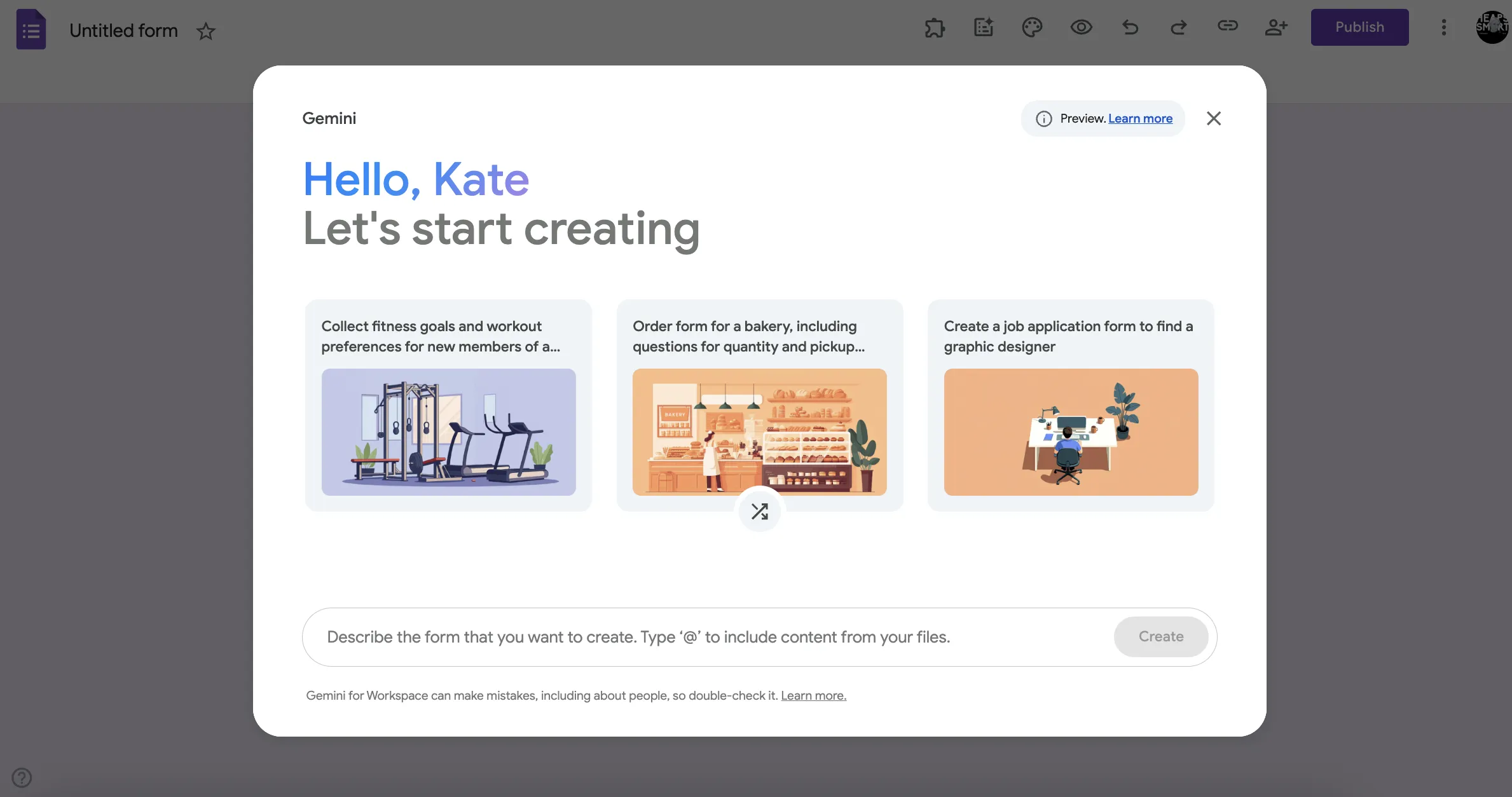
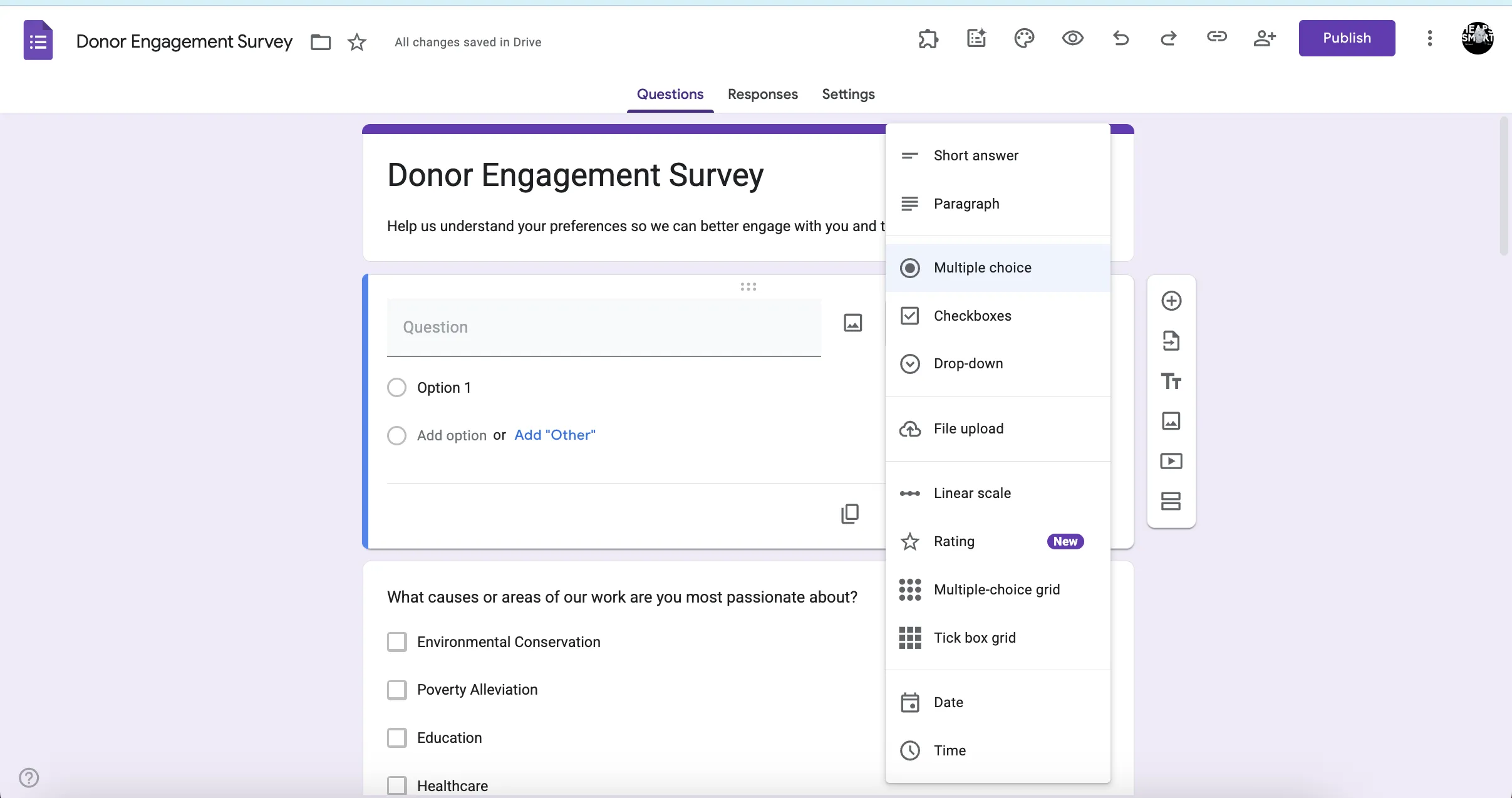
Google Forms is a forms builder in Google Workspace that teams use to create surveys, sign-up forms and feedback questionnaires. Non-profits use it to collect volunteer information, event RSVPs or community feedback (right into Google Sheets!).
Non-profit discount
Non-profits can apply for Google Workspace for non-profits to receive free access to essential productivity tools, including Gmail, Google Drive, Google Meet, and more. Discounted rates are also available for Business Standard, Business Plus, and Enterprise editions.
How to apply:
- Set up a free Google account for your workspace admin
- Visit the Google for non-profits website and click 'Get Started'
- Sign in with your workspace admin's Google account and complete the eligibility form
- Wait for verification by Google's partner, which typically takes 2–14 business days
- Once approved, activate Google Workspace for non-profits from your account dashboard
Heaps Smart recommended
Google Forms is one of the simplest and most useful tools available to non-profits. Whether you're collecting RSVPs, feedback, volunteer sign-ups, survey responses, or grant data, it just works. It's easy to set up, easy to share, and all the responses feed straight into a connected Google Sheet. That makes reporting and follow-up a breeze, especially when combined with automation tools or conditional logic.
It's included for free as part of Google Workspace for Nonprofits, so there's no cost barrier to getting started. The only thing we don't love is the limited design options — your forms won't win any style awards. But for functionality, flexibility, and ease of use, it's hard to beat. If your organisation needs to collect information from your community or team, Forms is a great place to start.