Google Gmail
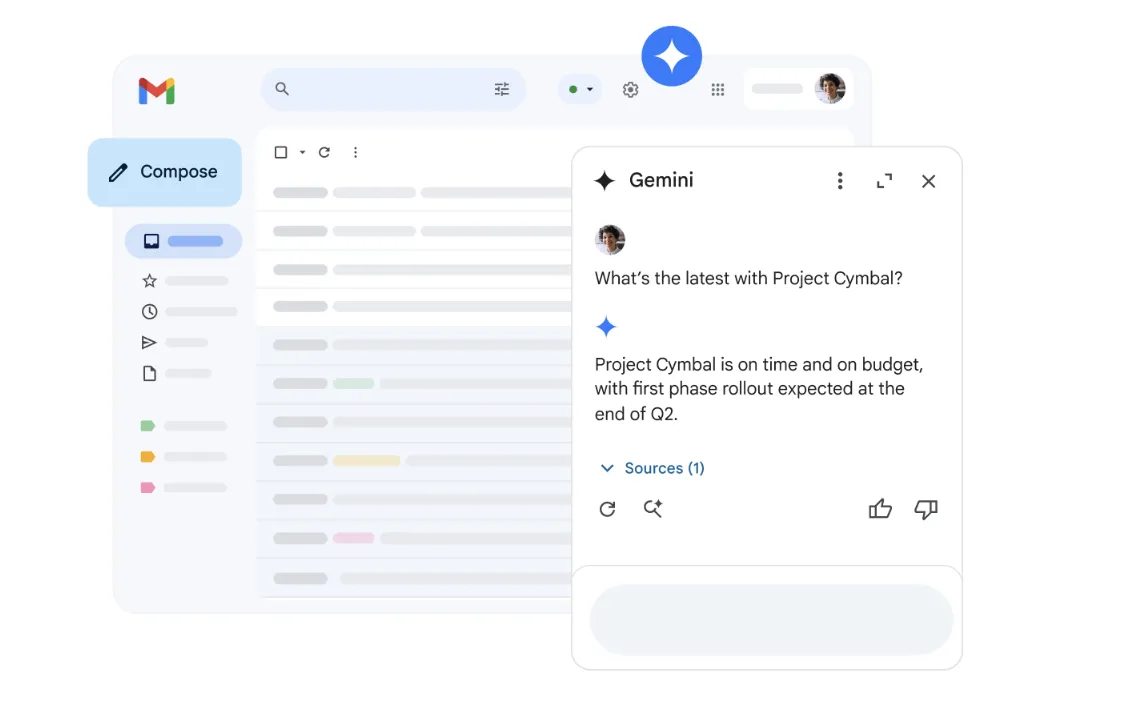
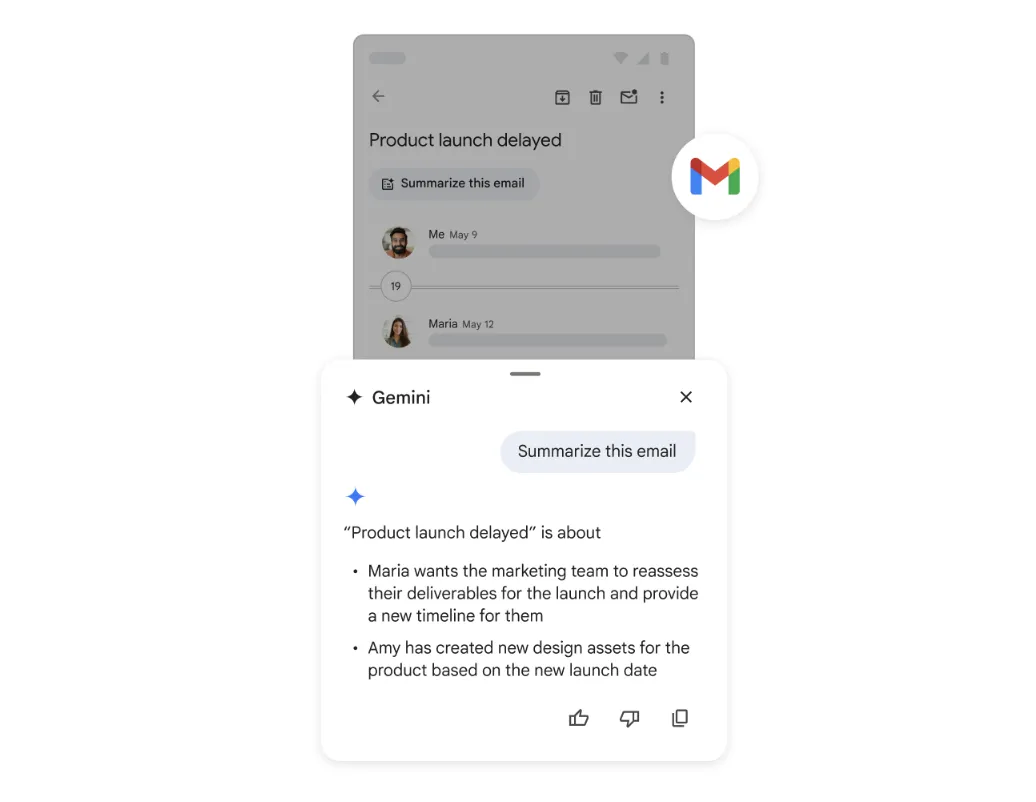
Gmail is the email service in Google Workspace that lets teams send and receive communications. Non-profits use it to coordinate with volunteers, share news and manage correspondence.
Non-profit discount
Non-profits can apply for Google Workspace for non-profits to receive free access to essential productivity tools, including Gmail, Google Drive, Google Meet, and more. Discounted rates are also available for Business Standard, Business Plus, and Enterprise editions.
How to apply:
- Set up a free Google account for your workspace admin
- Visit the Google for non-profits website and click 'Get Started'
- Sign in with your workspace admin's Google account and complete the eligibility form
- Wait for verification by Google's partner, which typically takes 2–14 business days
- Once approved, activate Google Workspace for non-profits from your account dashboard
Heaps Smart recommended
Gmail is included for free with Google Workspace for Nonprofits, and it's much more than just email. It gives your team a professional setup with the option to use your own domain (like info@yourorganisation.org) instead of a personal @gmail.com address, which is great for building trust and keeping things consistent. It's easy to manage even without an IT team, and perfect for onboarding staff, volunteers, or board members.
Beyond email, Gmail comes with useful built-in features like templates for no-code newsletters and event invites, automated filters and labels, and scheduled sending. It connects seamlessly with Google Calendar and Drive, making it simple to stay organised and collaborative. If you're still using personal email accounts to run your non-profit, this is an easy and free upgrade that makes a big difference.