Google Sheets
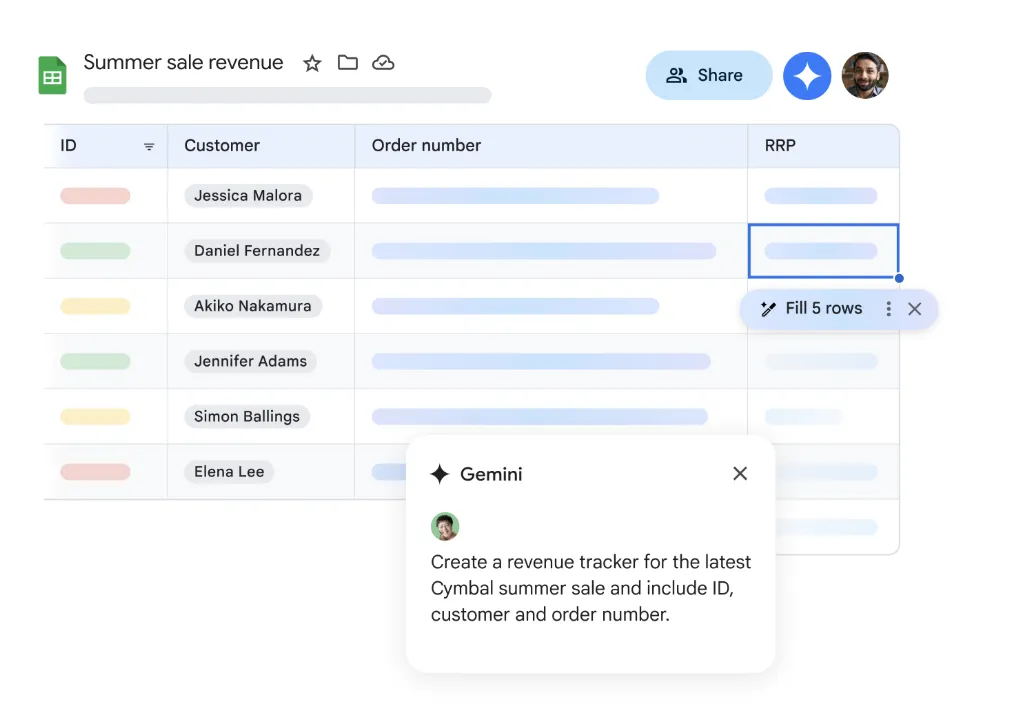
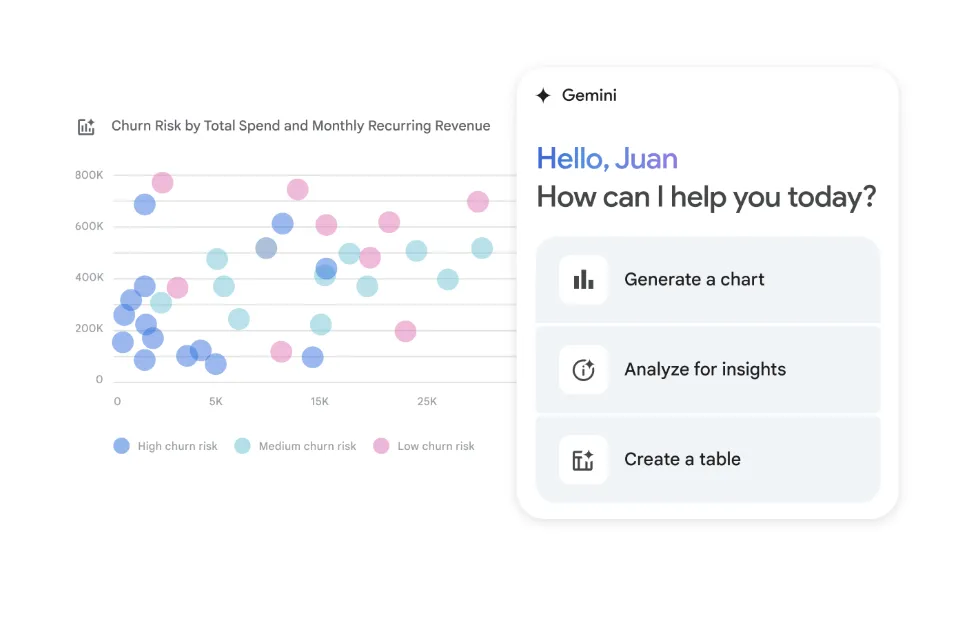
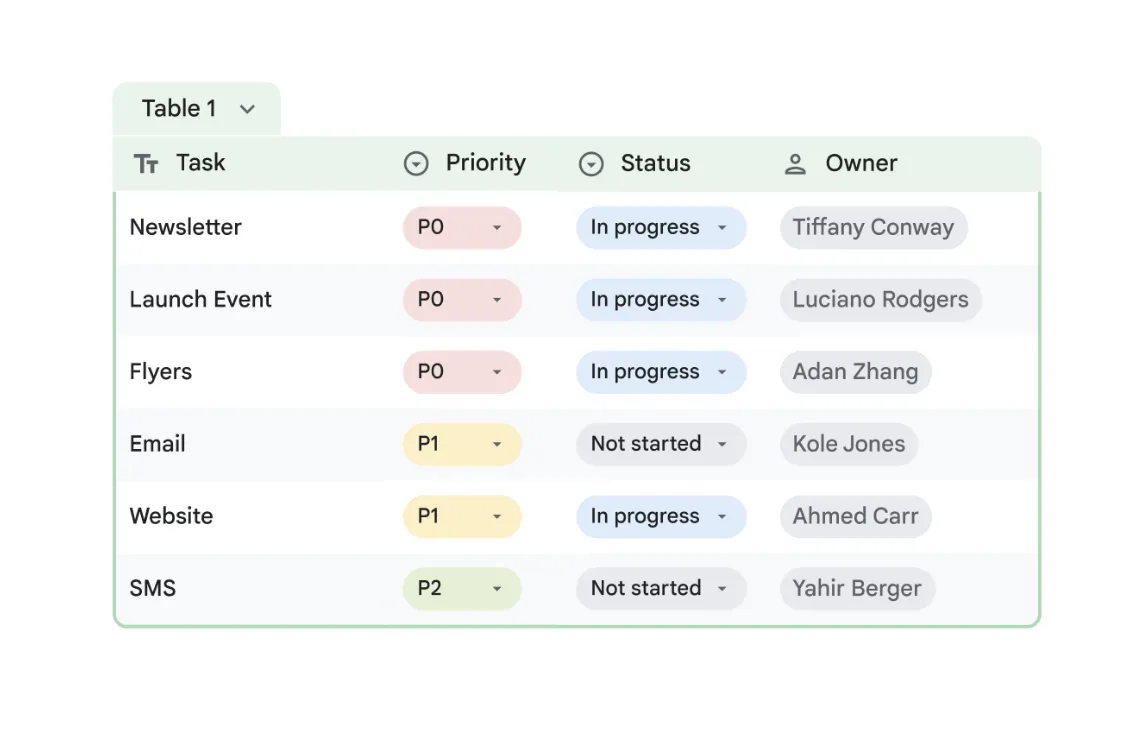
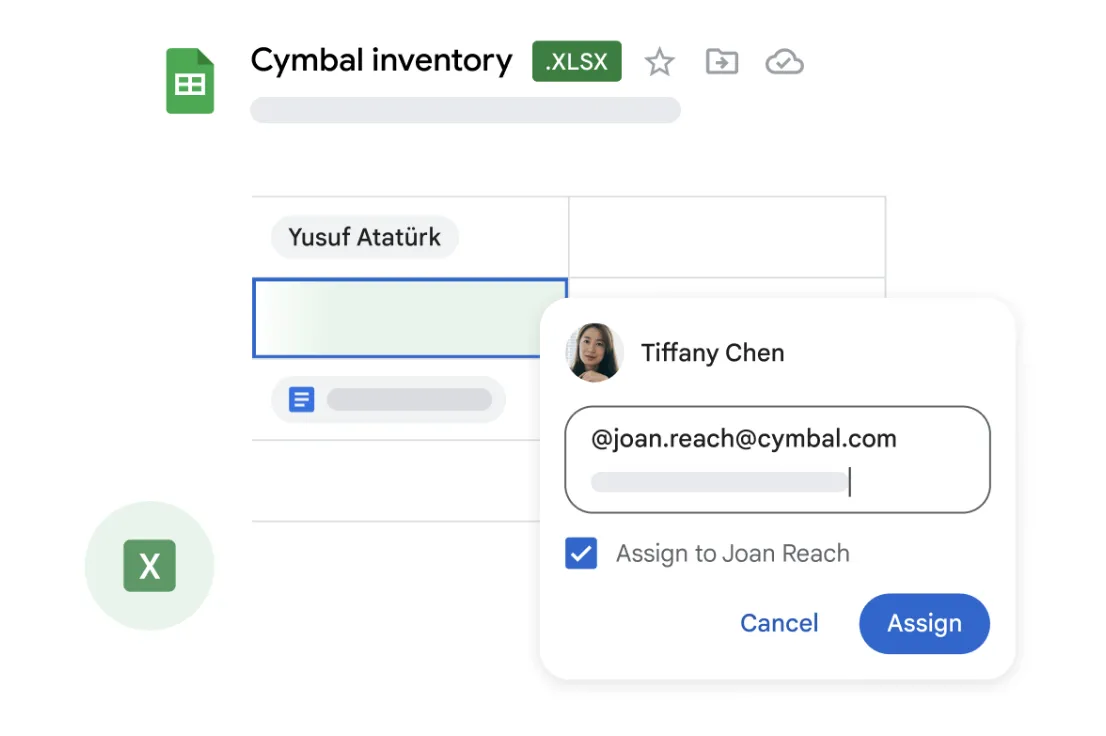
Google Sheets is a spreadsheet tool in Google Workspace that lets teams organise and share data online. Non-profits use it to track budgets, manage contact lists or collect form responses in real time.
Non-profit discount
Non-profits can apply for Google Workspace for non-profits to receive free access to essential productivity tools, including Gmail, Google Drive, Google Meet, and more. Discounted rates are also available for Business Standard, Business Plus, and Enterprise editions.
How to apply:
- Set up a free Google account for your workspace admin
- Visit the Google for non-profits website and click 'Get Started'
- Sign in with your workspace admin's Google account and complete the eligibility form
- Wait for verification by Google's partner, which typically takes 2–14 business days
- Once approved, activate Google Workspace for non-profits from your account dashboard
Heaps Smart recommended
Ah, Sheets! One of our favourite tools. Google Sheets is more than just a spreadsheet. It can be a database, a planning tool, a reporting dashboard, or an organising space for anything your non-profit needs. You can use it to manage volunteer rosters, grant pipelines, contact lists, budgets, project plans, or survey responses. And because it's part of Google Workspace for Nonprofits, it's free and integrates easily with Gmail, Forms, Calendar, and Drive.
One of the best things about Sheets is how easily it connects with other platforms. It works with hundreds of automation tools, so you can pull in data from forms, sync with email lists, or trigger actions without writing any code. If your organisation doesn't need a full CRM, Sheets is often more than enough. It's flexible, powerful, and easy for anyone on your team to use.