Microsoft Teams
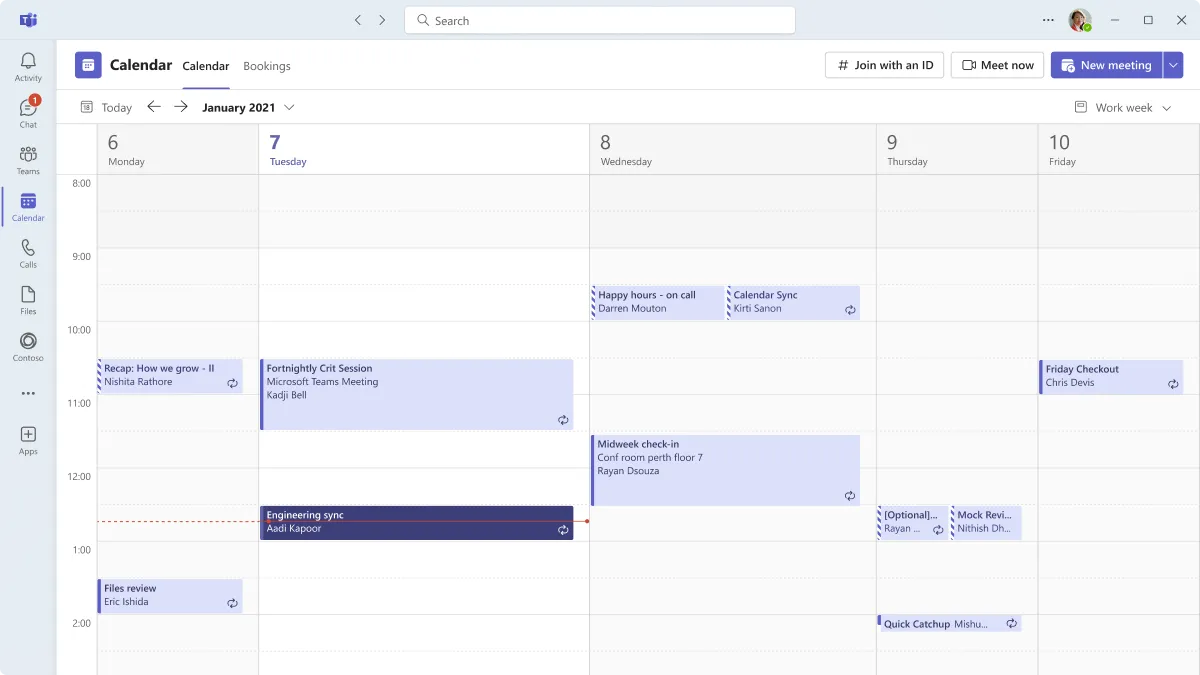
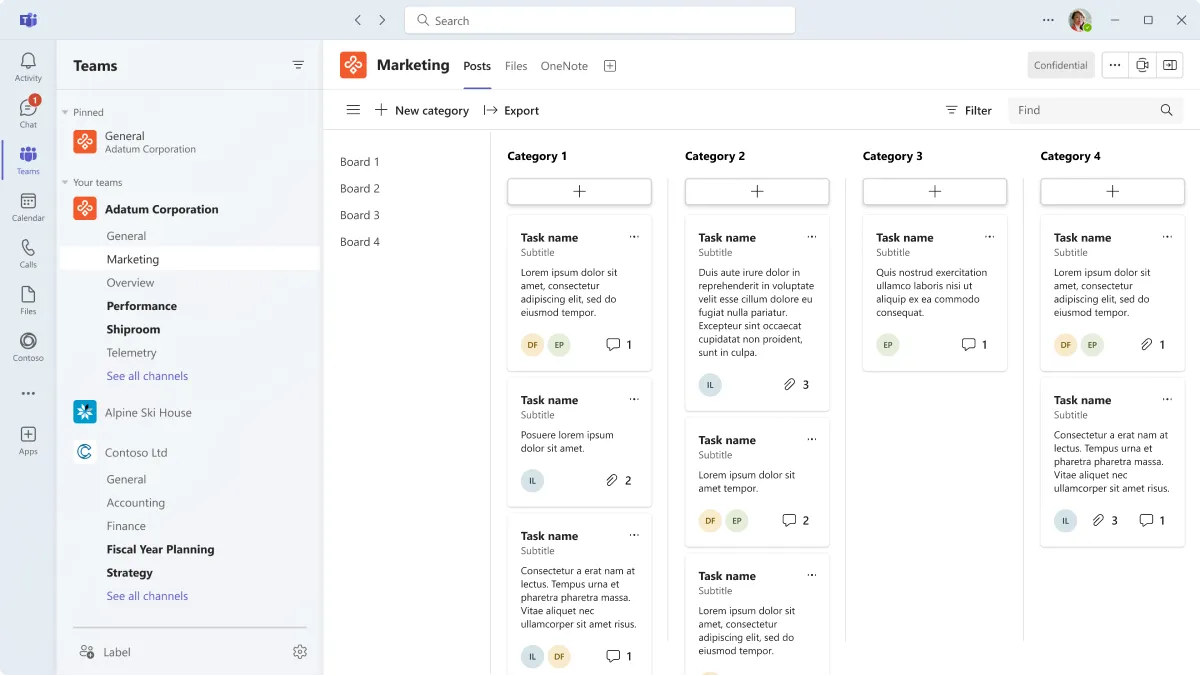
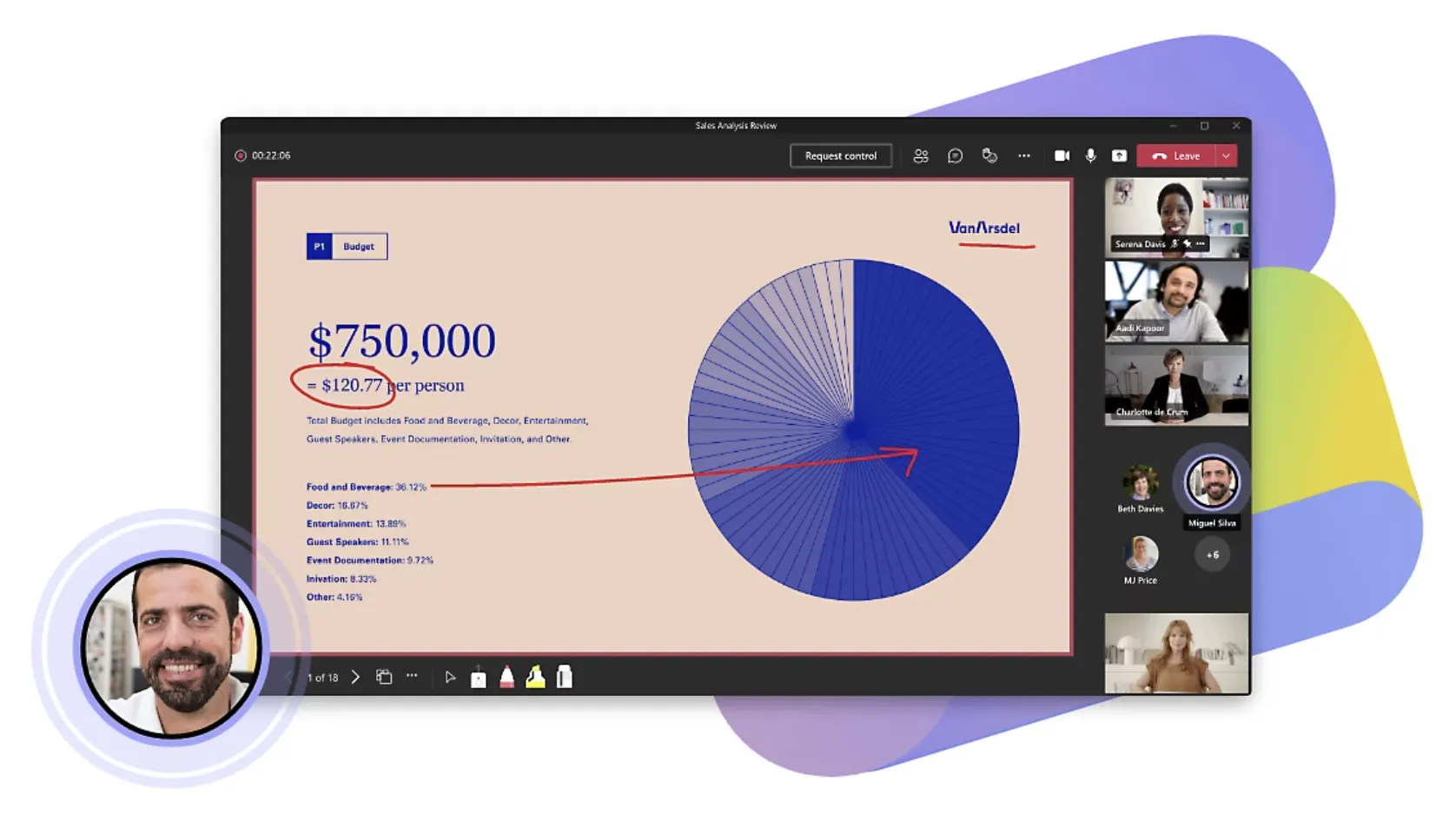
Microsoft Teams is a communication and collaboration tool that brings together chat, video calls and file sharing. Non-profits in the Microsoft ecosystem use it to stay connected across teams, run meetings and work on documents together in real time.
Non-profit discount
10 free seats with discounts for additional users for non-profits
Non-profits can apply for Microsoft's non-profit program to receive free and discounted access to Microsoft 365, Azure, Dynamics 365, and other cloud services. Eligible organisations may receive grants for Microsoft 365 Business Basic (up to 300 users) and discounts of up to 75% on Microsoft 365 Business Premium and other plans.
How to apply:
- Visit the Microsoft Non-profits Portal
- Click “Register Now” to begin the application process
- Provide details about your organisation, including proof of non-profit status (e.g., charity registration or equivalent documentation)
- Microsoft will verify your eligibility, often in partnership with TechSoup
- Once approved (typically within 3–7 business days), you can access grants and discounts through your non-profit dashboard