Zoom
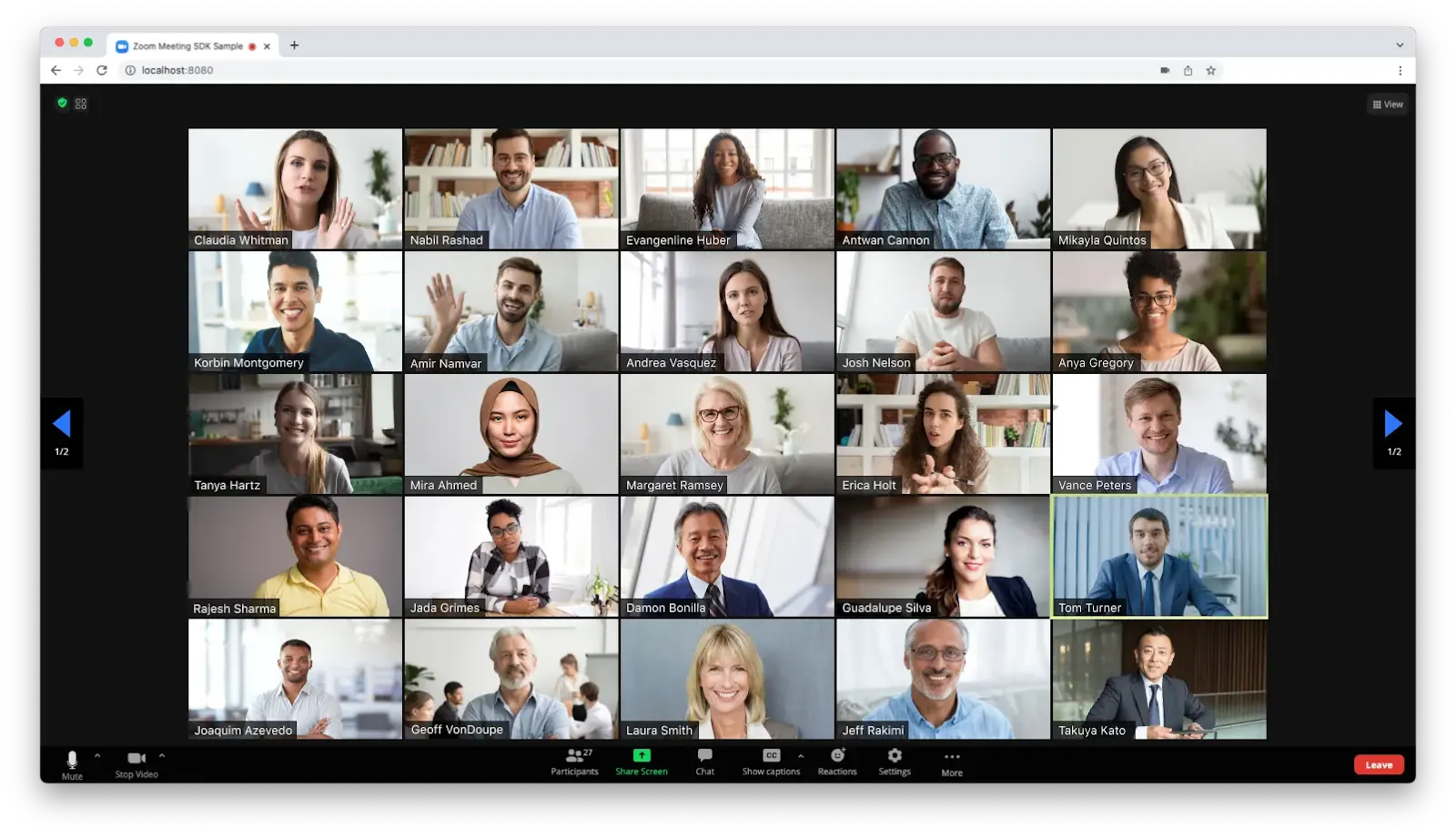
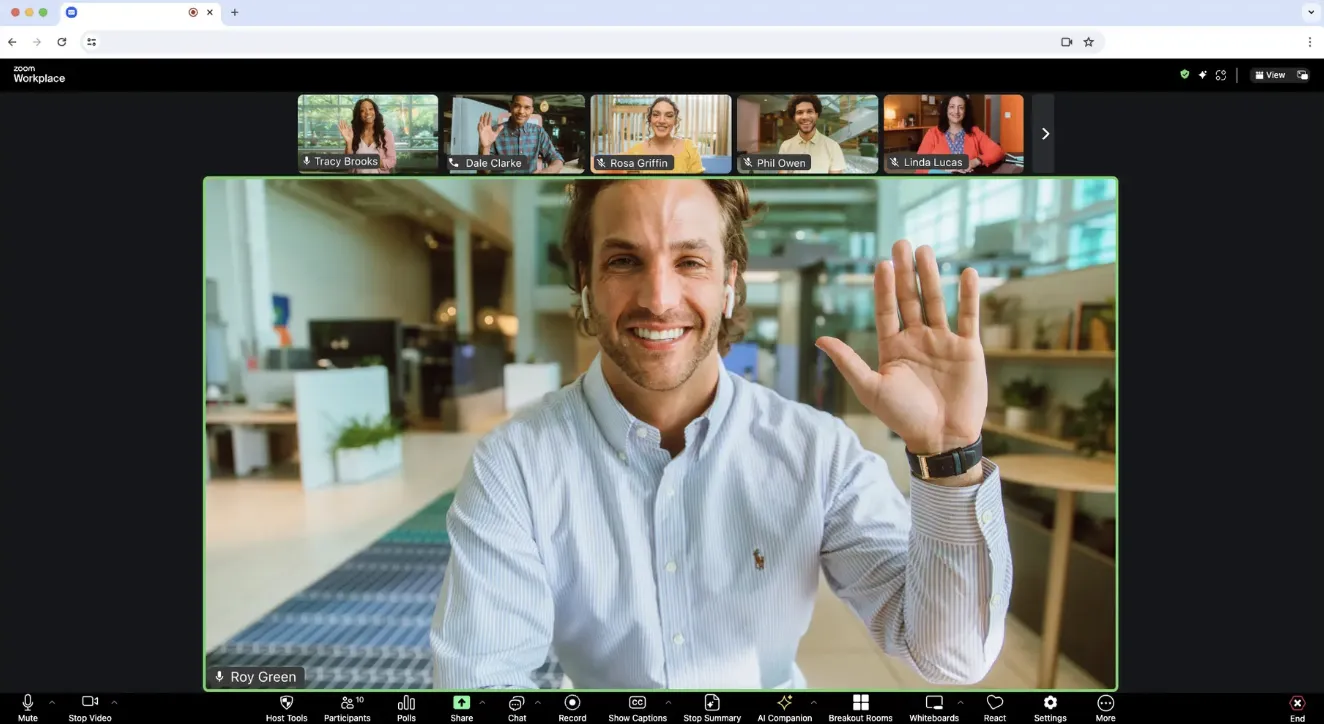
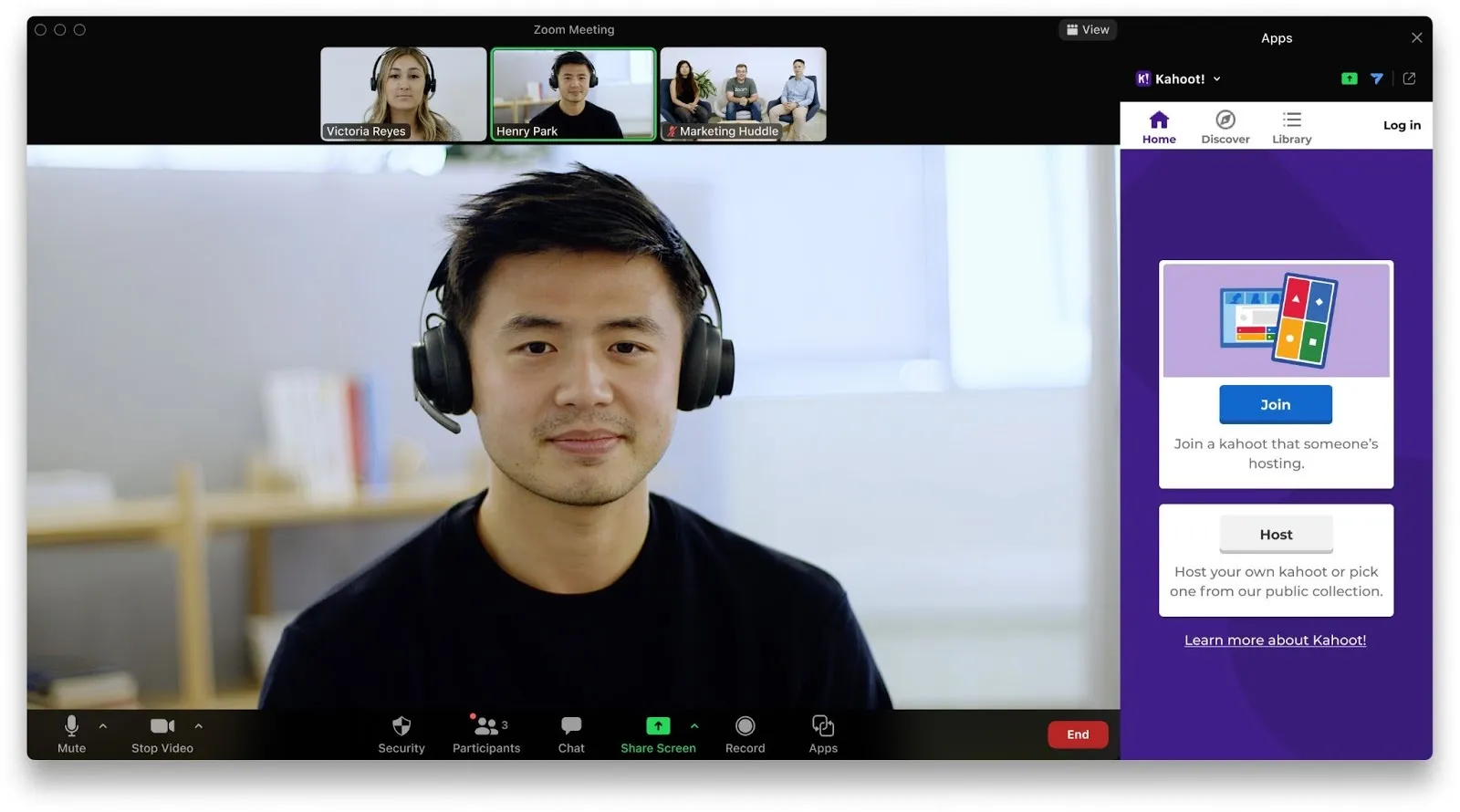
Zoom is a video conferencing tool that lets people meet online through video, audio and chat. Non-profits use it to run virtual events, hold team meetings or connect with partners and volunteers remotely.
Non-profit discount
Non-profits can apply for Zoom's non-profit discount to receive 50% off select Zoom products, including Zoom Workplace Pro, Zoom Workplace Business, Zoom Webinars, and Large Meeting add-ons.
How to apply:
- Set up your free Zoom account
- Visit the Zoom Cares page
- Under the "Get 50% off select Zoom products" section, select your operating budget
- Complete the non-profit verification process through Zoom's partner, Goodstack, by providing your organisation's details and proof of status
- Once verified (typically within 2–3 business days), you'll receive a coupon code to apply the discount to your account
Heaps Smart recommended
Zoom is a premium video conferencing option that really shines when you're hosting larger meetings, webinars, or virtual events. While it's not free like Google Meet, the nonprofit discount makes it more accessible, and you get extra features that can be worth it depending on how you run your programs or engage your community.
It's great for board meetings, donor updates, training sessions, or multi-session events. Zoom's webinar and breakout room features give you more control over the experience, which can make things feel more polished and professional. You can run Q&As, take polls, split participants into smaller groups, or stream to Facebook or YouTube.
Compared to Google Meet, Zoom gives you more options for customisation and managing large groups, but it does come with a bit more setup and cost. For non-profits running public events, training sessions, or multi-organisation meetings, Zoom is often the better fit.